Favicon from URL Fetcher
This tool allows you to fetch the favicon of any website by entering its URL. Simply input the desired URL below and click "Fetch Favicon" to retrieve the favicon image along with the HTML code snippet to use it on your own site.
How to Use This Favicon Generator
- Enter the full website URL you want to fetch a favicon from.
- Click the Fetch Favicon button.
- View the available favicon image sizes generated from the URL.
- Select a favicon size to update the HTML code snippet.
- Copy the generated HTML snippet and paste it into your website.
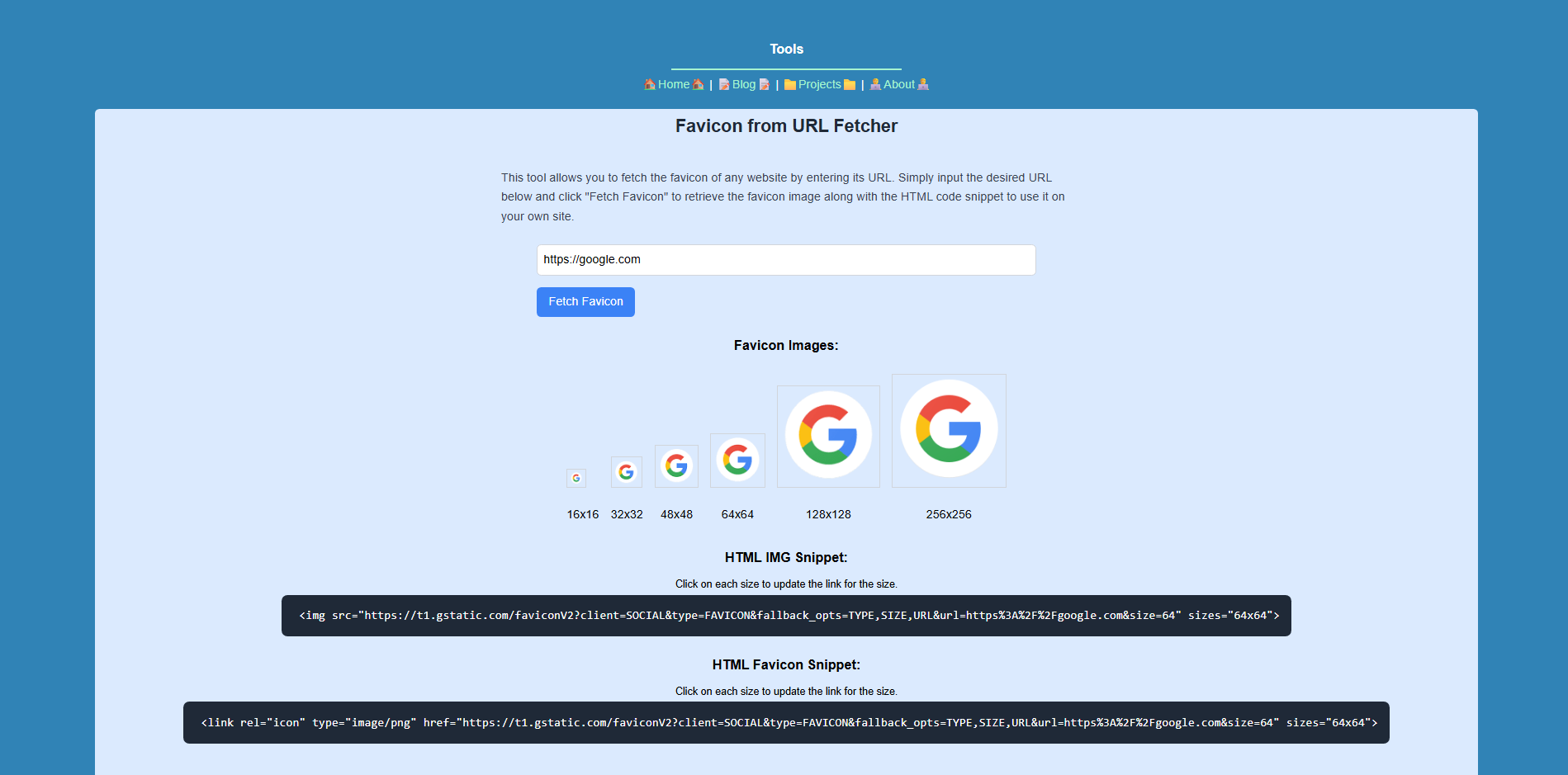
This free online tool helps you quickly obtain favicon images from any website URL.
It provides ready-to-use HTML code snippets for including favicons in your website’s
<head> section or for embedding favicon images directly into your pages.
Ideal for developers, designers, and anyone working on modern web projects.
Possible Uses
- Company Logos: Quickly fetch company logos directly from a URL.
- Branding: Keep your site updated with the latest favicons from brands.
- Reduced Data Usage: No need to host external favicon or logo images yourself.